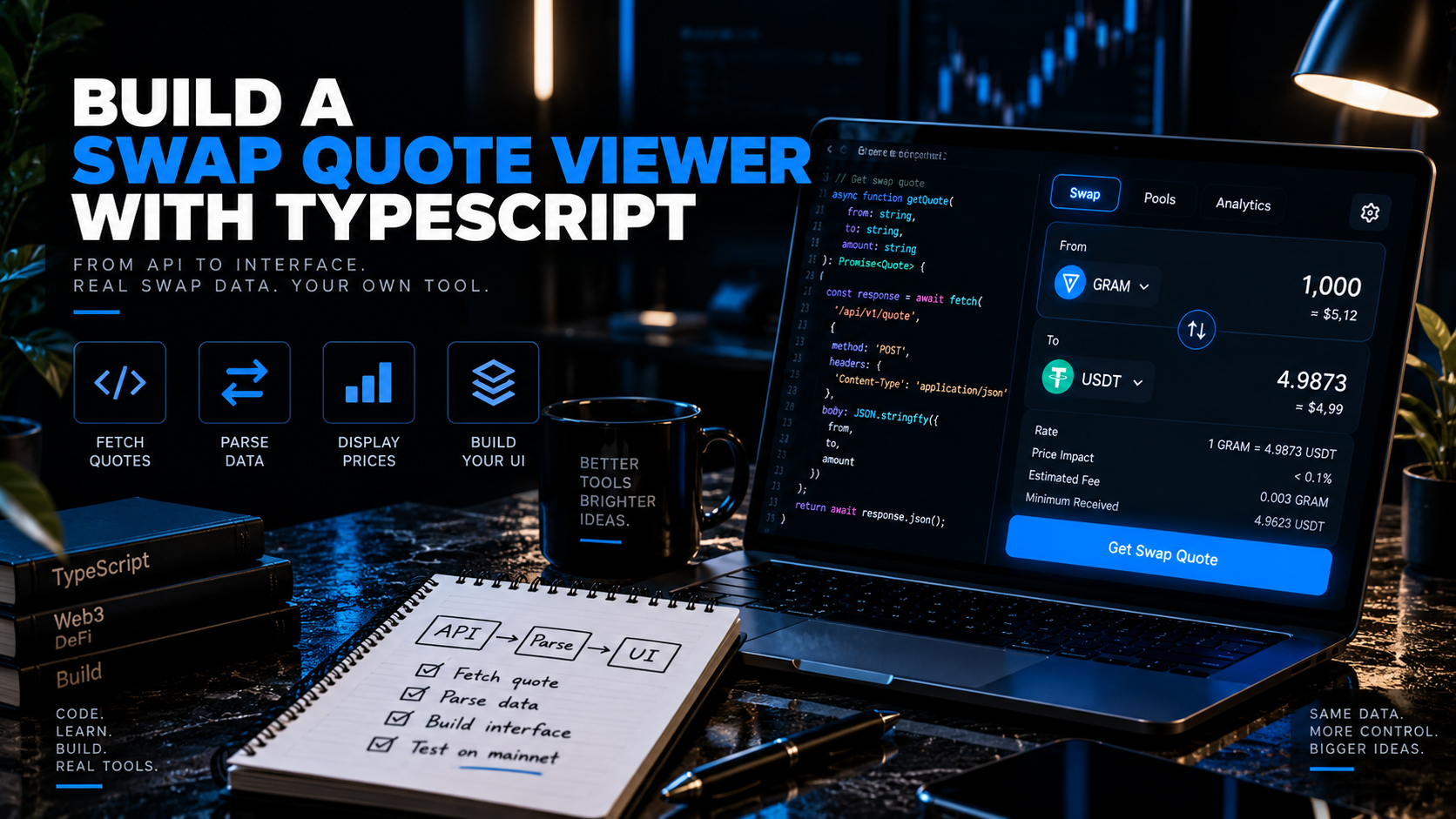
💱 Build a STON.fi Swap Quote Viewer with TypeScript Most swap tutorials rush you toward a signed transaction. This one deliberately stops short of it. A quote viewer — a tool that requests l
💱 Build a STON.fi Swap Quote Viewer with TypeScript
Most swap tutorials rush you toward a signed transaction. This one deliberately stops short of it.
A quote viewer — a tool that requests live pricing from STON.fi's Omniston aggregation layer and displays it, without ever touching a wallet — is genuinely the best first thing to build on this stack. It has no signing, no private keys, no irreversible actions, and no way to lose money while you're still learning the API surface. It's also the component you'll end up reusing in every larger project: a swap UI, a price monitor, an arbitrage scanner, a Telegram bot, a spreadsheet feed.
By the end of this walkthrough you'll have a working TypeScript application that fetches real token metadata from STON.fi, opens a live quote stream through Omniston, handles every event the stream can emit, formats raw blockchain units into numbers a human can read, and prints a continuously-updating quote to your terminal.
"Build the read-only version first. You can't accidentally spend anything while you're still learning the shape of the API."
Node.js 18+ — the SDK targets modern Node
TypeScript familiarity at a basic level (types, async/await, interfaces)
No wallet, no funds, no testnet setup — this entire project is read-only
No prior TON or blockchain development experience is required. If you've called a REST API and subscribed to an event stream in JavaScript before, you already have the mental model you need.

Two packages do the heavy lifting:
📦 @ston-fi/omniston-sdk — the quote engine. Talks to Omniston over a WebSocket and returns competing quotes sourced from STON.fi's own pools, other TON DEXs, and off-chain RFQ resolvers.
📦 @ston-fi/api — the metadata layer. A typed client for STON.fi's public REST API, which is where you get token symbols, decimals, and images without decoding jetton cells yourself.
The split matters conceptually: Omniston knows prices, the REST API knows tokens. You need both, and confusing their responsibilities is a common early mistake.
Start with a clean directory and the minimal dependency set.
mkdir stonfi-quote-viewer && cd stonfi-quote-viewer
npm init -y
npm install @ston-fi/omniston-sdk @ston-fi/api
npm install -D typescript tsx @types/node
npx tsc --init
tsx lets you run TypeScript directly without a separate build step, which keeps the feedback loop tight while you're iterating.
Open tsconfig.json and make sure these are set — the SDK ships ESM and modern types, and mismatched module settings are the single most common setup failure people hit here:
{
"compilerOptions": {
"target": "ES2022",
"module": "ESNext",
"moduleResolution": "bundler",
"strict": true,
"esModuleInterop": true,
"skipLibCheck": true,
"outDir": "dist"
}
}
Add "type": "module" to your package.json, plus a run script:
{
"type": "module",
"scripts": {
"dev": "tsx watch src/index.ts"
}
}
If you skip the "type": "module" line, you'll hit a Cannot use import statement outside a module error the first time you run anything. It's a two-second fix that costs people twenty minutes when they don't know to look for it.
Create src/omniston.ts. This file does one job: produce a configured client instance.
import { Omniston } from "@ston-fi/omniston-sdk";
const PRODUCTION_URL = "wss://omni-ws.ston.fi";
const SANDBOX_URL = "wss://omni-ws-sandbox.ston.fi";
export const omniston = new Omniston({
apiUrl: process.env.OMNISTON_URL ?? SANDBOX_URL,
});
Two deliberate choices here that are worth explaining rather than glossing over.
First, the endpoint is environment-driven, not hardcoded. Omniston exposes a sandbox WebSocket that mirrors the production API surface exactly, so you can develop against real API shapes without competing for real liquidity.
Second, the default is sandbox, not production. This is the safer direction to fail in. A misconfigured deploy that falls back to sandbox shows you wrong-looking numbers and you investigate. A misconfigured deploy that falls back to production silently starts doing real things against real liquidity. For a read-only quote viewer the stakes are low, but it's the right habit to build now, before you add a signing step to a later project.
For a quote viewer specifically you'll probably want production data, since sandbox liquidity isn't representative of real market prices:
OMNISTON_URL=wss://omni-ws.ston.fi npm run dev
Before requesting a quote you need to know which tokens you're quoting — and, critically, how many decimals each one uses.
This is where new TON developers most reliably trip. Every amount in the Omniston API is expressed in base units, the smallest indivisible unit of the token. Many TON jettons use 9 decimals, but plenty don't: USDT on TON uses 6. That means "1 USDT" is "1000000", while "1 TON" is "1000000000". Hardcode 9 decimals everywhere and your USDT amounts will be off by a factor of 1,000 — which, in a quote viewer, looks like a wildly mispriced market rather than an obvious bug.
The metadata API solves this. Create src/assets.ts:
import { StonApiClient, AssetTag, type AssetInfoV2 } from "@ston-fi/api";
const client = new StonApiClient();
export async function loadAssets(): Promise<Map<string, AssetInfoV2>> {
const assets = await client.queryAssets({
condition: [AssetTag.LiquidityVeryHigh, AssetTag.LiquidityHigh].join(" | "),
});
const byAddress = new Map<string, AssetInfoV2>();
for (const asset of assets) {
byAddress.set(asset.contractAddress, asset);
}
return byAddress;
}
export function requireAsset(
assets: Map<string, AssetInfoV2>,
address: string,
): AssetInfoV2 {
const asset = assets.get(address);
if (!asset) {
throw new Error(`Asset not found in STON.fi metadata: ${address}`);
}
return asset;
}
Filtering by liquidity tags keeps the result set to tokens with meaningful depth, which is what you want for a quote viewer — quoting a token with near-zero liquidity mostly returns noise or no quote at all.
The requireAsset helper exists because the failure mode of a missing asset is subtle. Without it, an undefined decimals value propagates silently into your formatting math and produces a number that looks plausible but is wrong. Failing loudly at lookup time is far easier to debug than tracing a bad number backwards through three functions.
Here's a rule that will save you real pain: never use JavaScript's Number type for token amounts.
Number is a 64-bit float with 53 bits of integer precision. Token amounts routinely exceed that. A large balance in base units can silently lose its least-significant digits the moment it passes through a float, and the resulting value will look completely reasonable while being quietly wrong. Use BigInt for arithmetic and strings for transport.
Create src/units.ts:
/** Convert a human-readable amount ("1.5") into base units ("1500000"). */
export function toBaseUnits(amount: string, decimals: number): string {
const [whole = "0", fraction = ""] = amount.trim().split(".");
if (fraction.length > decimals) {
throw new Error(
`Amount "${amount}" has more precision than this token supports (${decimals} decimals)`,
);
}
const paddedFraction = fraction.padEnd(decimals, "0");
const combined = `${whole}${paddedFraction}`.replace(/^0+(?=\d)/, "");
return combined === "" ? "0" : combined;
}
/** Convert base units ("1500000") into a human-readable amount ("1.5"). */
export function fromBaseUnits(raw: string, decimals: number): string {
const value = BigInt(raw);
const base = 10n ** BigInt(decimals);
const whole = value / base;
const fraction = value % base;
if (fraction === 0n) return whole.toString();
const fractionString = fraction
.toString()
.padStart(decimals, "0")
.replace(/0+$/, "");
return `${whole}.${fractionString}`;
}
Note the explicit throw in toBaseUnits when a user supplies more decimal places than the token supports. The alternative — silently truncating — produces a quote for an amount the user didn't actually request. For a viewer that's merely confusing; in a tool that eventually signs transactions, it's the kind of quiet mismatch that generates support tickets nobody can reproduce.
Now the core of the project. Create src/quote.ts.
First, settlement parameters. These tell Omniston which execution paths you're willing to accept:
import type {
SettlementParams,
SwapSettlementParams,
} from "@ston-fi/omniston-sdk";
export const settlementParams: SettlementParams[] = [
{
params: {
$case: "swap",
value: {
maxPriceSlippagePips: 10_000, // 1%
flexibleIntegratorFee: true,
} satisfies SwapSettlementParams,
},
},
{
params: {
$case: "order",
value: {},
},
},
];
maxPriceSlippagePips is measured in pips — hundredths of a basis point. So 10_000 means 1%, not 100%, and not 1 basis point. This unit is genuinely easy to get wrong by an order of magnitude, and since a too-loose value doesn't throw an error, it just silently removes your protection. Write the percentage in a comment next to it every single time.
Including both swap and order settlement types is the right default for a viewer. It tells Omniston "quote me the best of either execution path," and the response tells you which one actually won. Swap settlement routes through on-chain AMM pools; order settlement routes through resolvers using signed orders or HTLC escrow, which is often the only path that returns a quote on thin pairs or exotic routes. Restricting to swap-only means you'll see noQuote in situations where a quote genuinely existed.
Now the asset identifiers and the request itself:
import type { AssetId, QuoteRequest } from "@ston-fi/omniston-sdk";
export function tonJetton(address: string): AssetId {
return {
chain: {
$case: "ton",
value: {
kind: {
$case: "jetton",
value: address,
},
},
},
};
}
export function buildQuoteRequest(params: {
inputAddress: string;
outputAddress: string;
inputBaseUnits: string;
}): QuoteRequest {
return {
inputAsset: tonJetton(params.inputAddress),
outputAsset: tonJetton(params.outputAddress),
amount: {
$case: "inputUnits",
value: params.inputBaseUnits,
},
settlementParams,
};
}
The nested AssetId structure looks verbose for a single-chain app, and it is — but it's the reason the same API shape works for TON jettons, EVM tokens, and whatever gets added later without a breaking change. Wrapping it in a tonJetton() helper keeps that verbosity in exactly one place.
This is the concept that most distinguishes Omniston from a typical REST price API, and getting it wrong is the most common integration bug.
requestForQuote() is not a one-shot request. It's a subscription.
You don't get a quote and finish. You open a stream that stays alive and pushes updated quotes as market conditions change. Treat it like a WebSocket feed, not like a fetch() call.
Create src/index.ts:
import { omniston } from "./omniston.js";
import { loadAssets, requireAsset } from "./assets.js";
import { buildQuoteRequest } from "./quote.js";
import { toBaseUnits, fromBaseUnits } from "./units.js";
const USDT = "EQCxE6mUtQJKFnGfaROTKOt1lZbDiiX1kCixRv7Nw2Id_sDs";
const STON = "EQA2kCVNwVsil2EM2mB0SkXytxCqQjS4mttjDpnXmwG9T6bO";
async function main() {
const assets = await loadAssets();
const inputAsset = requireAsset(assets, USDT);
const outputAsset = requireAsset(assets, STON);
const humanAmount = process.argv[2] ?? "10";
const inputBaseUnits = toBaseUnits(humanAmount, inputAsset.meta.decimals);
console.log(
`Requesting quotes for ${humanAmount} ${inputAsset.meta.symbol} → ${outputAsset.meta.symbol}\n`,
);
const request = buildQuoteRequest({
inputAddress: USDT,
outputAddress: STON,
inputBaseUnits,
});
omniston.requestForQuote(request).subscribe({
next(event) {
switch (event?.$case) {
case "ack":
console.log(`📡 RFQ opened — id: ${event.value.rfqId}`);
break;
case "quoteUpdated":
renderQuote(event.value, inputAsset, outputAsset, humanAmount);
break;
case "noQuote":
console.log(`❌ No route available (RFQ ${event.rfqId})`);
break;
case "unsubscribed":
console.log("🔌 Stream closed by the server");
break;
}
},
error(err) {
console.error("RFQ stream failed:", err);
},
});
}
main().catch(console.error);
Walk through what each event actually means, because handling only quoteUpdated — which is what most first attempts do — leaves your app silent in three situations where it should be telling the user something:
📡 ack — Omniston received your request and assigned it an rfqId. This confirms the connection works and gives you an identifier to correlate every later event in this stream. Useful for logging, essential for debugging a stream that produces nothing afterward.
✅ quoteUpdated — a quote arrived. This fires repeatedly. It is not a completion signal. Each emission is a fresh price reflecting current market conditions, and later ones supersede earlier ones.
❌ noQuote — no connected source could fill this request. Common on illiquid pairs or when the requested size exceeds what any resolver will quote. This is a normal outcome, not an error — handle it as information, not as a failure state.
🔌 unsubscribed — the server ended the stream. Anything you were displaying is now stale.
Never treat the first quoteUpdated as final. If you cache it and later use it for anything real, you're operating on a price that may be many seconds out of date. Always hold the most recent event in state.
Finally, turn a quote object into something legible. Add renderQuote to src/index.ts:
import { isSwapQuote, isOrderQuote, type Quote } from "@ston-fi/omniston-sdk";
import type { AssetInfoV2 } from "@ston-fi/api";
function renderQuote(
quote: Quote,
inputAsset: AssetInfoV2,
outputAsset: AssetInfoV2,
humanInput: string,
) {
const settlementKind = quote.settlementData?.$case ?? "unknown";
const label = isSwapQuote(quote)
? "AMM swap"
: isOrderQuote(quote)
? "Resolver order"
: settlementKind;
console.log("─".repeat(52));
console.log(`Quote ID : ${quote.quoteId}`);
console.log(`Settlement : ${label}`);
console.log(`You send : ${humanInput} ${inputAsset.meta.symbol}`);
console.log(`Updated at : ${new Date().toLocaleTimeString()}`);
console.log("─".repeat(52));
}
The SDK ships type-guard helpers — isSwapQuote, isOrderQuote, isHtlcOrderQuote, and matchQuoteByType — specifically so you don't hand-roll this branching. Use them. They narrow the type correctly in TypeScript, which means your editor will tell you which fields are actually available on each quote variant instead of letting you access something that's undefined at runtime.
One honest caveat about output amounts. The exact field names carrying the output quantity differ between SDK versions — older releases used offerUnits/askUnits, and the v1beta8 surface reorganized parts of the quote structure. Rather than copying a field name from a blog post (including this one) and hoping, log the object once and look:
case "quoteUpdated":
console.dir(event.value, { depth: null });
break;
Run it, read the actual shape you're receiving, then write your formatter against that — using fromBaseUnits(rawValue, outputAsset.meta.decimals) to turn the raw string into something readable. This takes thirty seconds and is strictly more reliable than trusting any secondhand documentation, including current docs, against a pre-1.0 SDK.
That pre-1.0 status is worth taking seriously in general. @ston-fi/omniston-sdk is under active development at a major version of zero, which under semver means breaking changes can legitimately land in minor releases. Pin your version explicitly in package.json rather than trusting a caret range:
"dependencies": {
"@ston-fi/omniston-sdk": "0.8.0"
}
A consolidated list of the traps this project can fall into, most of which fail silently rather than throwing:
🔢 Hardcoding 9 decimals. USDT on TON uses 6. Always read decimals from asset metadata.
💥 Using Number for base units. Precision loss past 2^53 produces plausible-looking wrong values. BigInt and strings only.
📏 Misreading pips. 10_000 is 1%. A wrong value here doesn't error — it just removes protection.
🔁 Treating the stream as one-shot. Always render from the latest quoteUpdated, never a cached first one.
🙈 Handling only quoteUpdated. Your app goes silent on noQuote and unsubscribed, and users conclude it's broken.
🎯 Restricting to swap-only settlement without reason, then seeing noQuote on pairs where an order-settled quote existed.
📌 Trusting a caret version range on a pre-1.0 SDK.
🔗 Forgetting to unsubscribe. In a long-running app, abandoned subscriptions leak. Keep the subscription handle and call .unsubscribe() when inputs change or the component unmounts.
That last one deserves a line of code, since it's the one that only bites you later:
const subscription = omniston.requestForQuote(request).subscribe({ /* ... */ });
process.on("SIGINT", () => {
subscription.unsubscribe();
process.exit(0);
});
You now have a working, read-only foundation. Natural extensions, roughly in order of effort:
A token picker — you already load the full asset list; wire it to CLI arguments or a prompt instead of two hardcoded constants.
Rate comparison over time — log each quoteUpdated with a timestamp and watch how a pair's pricing actually moves. This is genuinely informative about a market's volatility in a way a static screenshot isn't.
A price alert — trigger a notification when a quote crosses a threshold. Still no wallet required.
A web UI — swap @ston-fi/omniston-sdk for @ston-fi/omniston-sdk-react and the same logic becomes the useRfq() hook, with loading and error states handled for you.
Actual swapping — the step you deliberately skipped. Branch on quote.settlementData?.$case, call tonBuildSwap() for swap quotes, sign the returned messages with TonConnect, and track the result with swapTrack().
The reason to arrive at that last step after building this one is that by then you already understand the quote lifecycle, the units, and the event model. Signing becomes the only genuinely new thing you're learning — rather than one unfamiliar piece among five, at the exact moment real funds enter the picture.
STON.fi Developer Docs — Omniston Node.js SDK (v1beta8)
STON.fi Developer Docs — Omniston React SDK
STON.fi Developer Docs — Omniston overview:
Omniston Quickstart Guide (React)
@ston-fi/omniston-sdk on npm
Omniston SDK — GitHub source, CHANGELOG, and example app
STON.fi DEX API Reference
This walkthrough reflects the STON.fi and Omniston SDK documentation as of mid-2026 (v1beta8 API surface). The SDK is pre-1.0 and under active development — method signatures, event shapes, and quote field names can change between minor releases. Verify against the current docs at docs.ston.fi and the SDK's CHANGELOG before building anything production-facing, and inspect the live quote object rather than assuming field names from any written guide.