You sent USDT, the other side says "nothing here", and your heart rate goes up. Good news first: with about 179 billion USDT in circulation (as of November 3, 2026) on Ethereum, TRON, BNB Cha
You sent USDT, the other side says "nothing here", and your heart rate goes up. Good news first: with about 179 billion USDT in circulation (as of November 3, 2026) on Ethereum, TRON, BNB Chain, Solana and other networks, every single transfer is written to a public blockchain. That means you can check exactly what happened to yours in a couple of minutes, without guessing and without waiting for support.
Any USDT transaction is always in one of three states. Successful: the coins have already reached the recipient address, even if a wallet or exchange has not updated the balance yet. Pending: the transfer was sent, but the network has not confirmed it yet - this is normal when a blockchain is busy, and pending does not mean lost. Failed: the transfer was not completed and USDT never reached the recipient.
So the first job is not to panic, but to find out which of the three you are looking at.
Step 1: Get the TxID
Every transfer gets a unique transaction hash, or TxID - a string of characters that works like a receipt. You can copy it from the exchange you withdrew from, ask the sender for it, or open the transaction in your wallet. No hash? The recipient wallet address works too: search by it and look for the transfer in its history.
Step 2: Match the Network to the Explorer
This is where most beginners get stuck. USDT does not exist on its own - it lives on a specific network, and each network has its own explorer. TRON addresses start with T, USDT there uses the TRC20 standard, and you track it on Tronscan. Ethereum addresses start with 0x, USDT there is ERC20, and you track it on Etherscan. A TRC20 transfer will never show up on Etherscan, so if your search returns nothing, check the network before anything else.
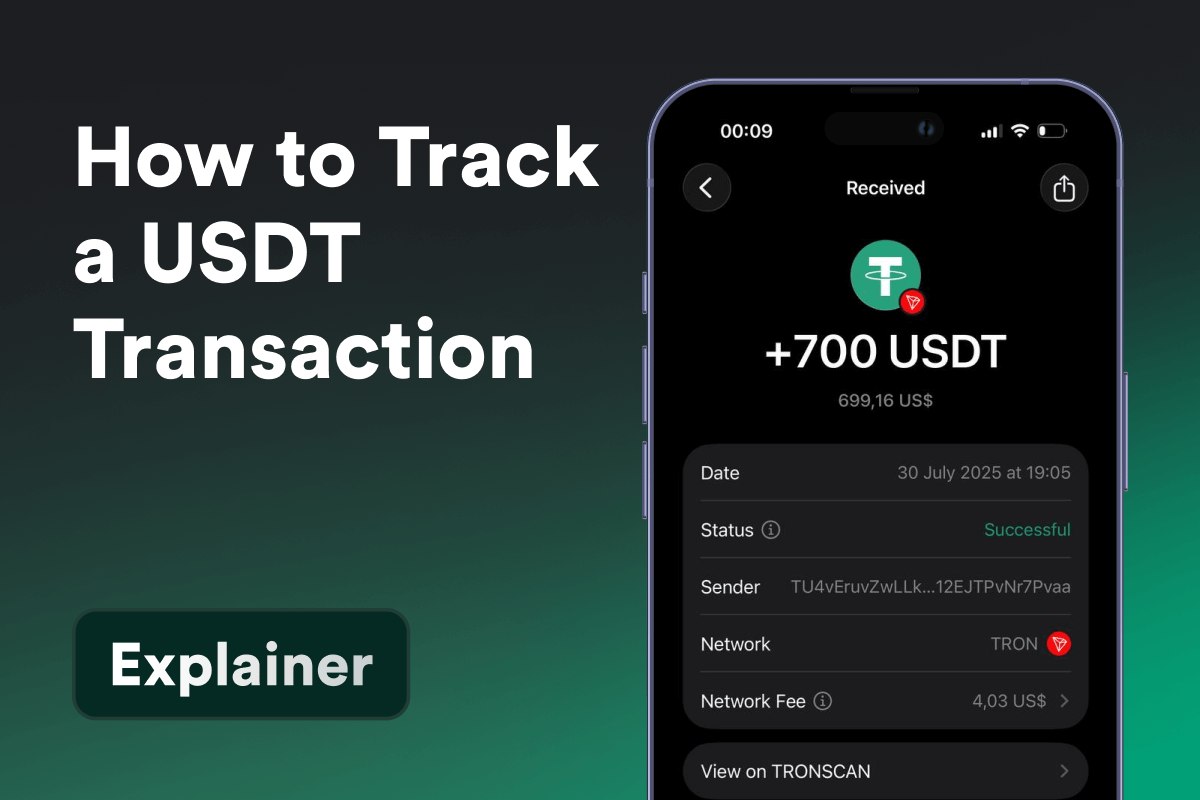
Paste the TxID or address into the right explorer and you will see the amount, sender and recipient addresses, the network fee and the status.
Step 3: Check It Right in Your Wallet
You can skip the copy-paste entirely. In Gem Wallet, USDT on all major networks sits in one transaction history that you can filter by network and sort by type - transfers, swaps, staking. Open any transaction and one tap takes you to Tronscan, Etherscan or the explorer of that network, with the confirmation right there.
One habit saves most of these moments: double-check the network and the address before you send, not after.
The full step-by-step guide:
https://gemwallet.com/learn/how-to-track-a-usdt-transaction-and-what-to-do-if-its-not-received/
#USDT #Stablecoins #Tether